


Spinpanda app and mobile browser play
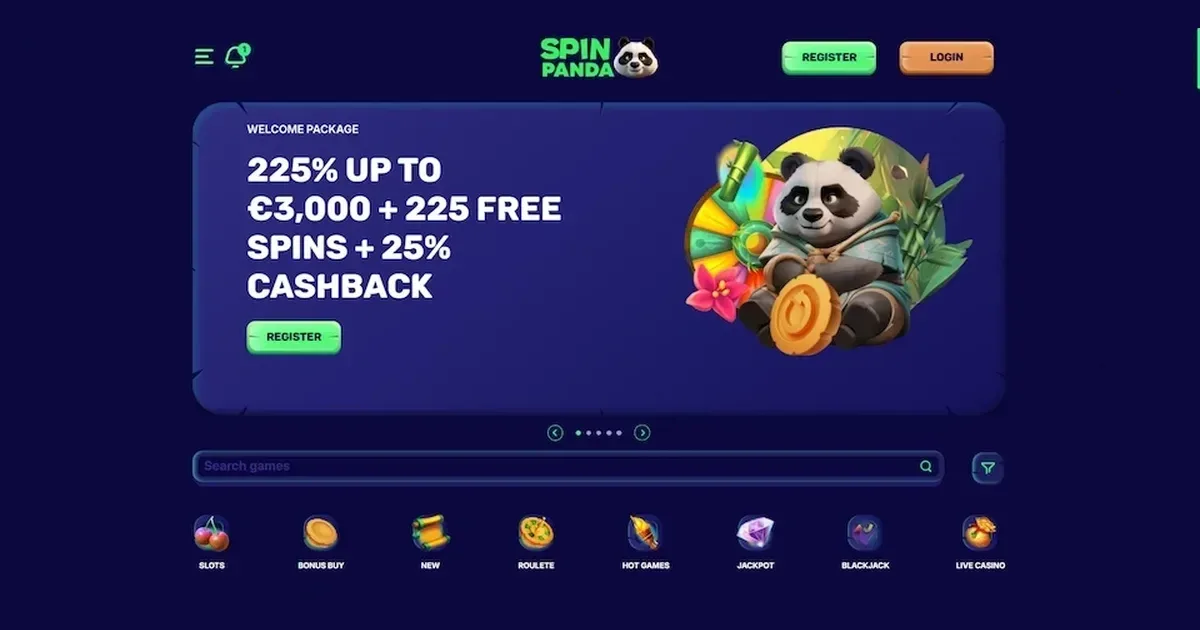
















Spinpanda supports play from a phone or tablet in two ways: through a mobile browser and via an installed application. Both routes use the same account, the same balance and the same responsible-gambling limits you set on desktop. The operator awards a mission bonus to players who install the app, though the browser version carries the full game library and cashier without an install.
What gets cramped on a small screen
A few parts of the experience shrink or disappear when you move from desktop to mobile. Multi-table layouts do not fit – live casino lobbies that show six or eight tables at once on a monitor collapse to a single vertical scroll on a phone, and switching between them takes longer. Game filters work, but scrolling a list of 6,592 slots without a keyboard feels slower than the desktop equivalent.
Verification uploads can be awkward: photographing a passport or utility bill with the same device you are trying to upload it from means juggling apps, and small text in the document guidelines is harder to read on a 6-inch screen. Support via live chat stays available 24/7, though typing a detailed question on a phone keyboard is less convenient than on a laptop.
Portrait mode suits slots and most table games, but landscape works better for multi-hand video poker or wider roulette layouts. Not every game auto-rotates, so you may need to lock your screen orientation before you start a session.
Mobile at Spinpanda
The platform runs in any modern mobile browser without a separate install. Open Safari, Chrome or Firefox, visit the operator's own site, and log in with the credentials you use on desktop. The same account serves every device – deposits made on your phone appear in your desktop balance instantly, and a withdrawal requested from a laptop processes the same way whether you check its status on mobile or not.
The operator also offers a downloadable app for both mobile and desktop. Installing it earns a mission bonus for players with at least one successful deposit. The app shortcut saves a few seconds compared to typing the site address into a browser each time, though the game selection and account features remain identical across both access methods.
Installed app versus site in a browser
The app and the browser version access the same backend, so your session, balance, bonus status and open bets carry across both. No separate registration exists – if you already have an account, you log into the app with the same email and password.
Browser play requires no storage space and updates automatically whenever the operator publishes a change. The app takes up device memory and needs periodic manual updates, but it opens directly from your home screen without typing an address. Neither version requires you to complete verification before you play, though withdrawal requests trigger the KYC process on any device.
Push notifications, if you allow them, arrive through the app but not through a browser. The operator does not publish whether those notifications cover new promotions, withdrawal confirmations or other account events.
Day-to-day use from a phone
Games load in the same HTML5 format on mobile as on desktop. The library includes all 6,592 slots, 1,808 jackpot titles, 233 table games and the live dealer tables powered by Playtech, Bet Games and Platipus. Demo play follows the same rule – some providers offer a practice mode, others require a real-money login, and the device you use does not change that.
The cashier supports every payment method the operator lists: cards, e-wallets, crypto and bank transfers all function from a phone. Minimum and maximum limits match the desktop figures – €20 minimum deposit, €4,000 maximum for most card transactions, and the standard €1,000 per transaction withdrawal cap. Processing times stay the same, and the 3x deposit wagering requirement applies before your first withdrawal request, regardless of where you made the deposits.
Live chat opens in a floating window over the game screen. Email support reaches [email protected] from any device. The platform is available in English, Dutch and German, and language selection persists across desktop and mobile sessions.
What to check first
Before you start a session on mobile, confirm you are on the operator's own domain – phishing sites that mimic casino login pages often target mobile users who type addresses more carelessly on a phone keyboard. Bookmark the real site after your first visit to avoid mistyping it later.
Check your connection. A 4G or 5G signal handles live dealer streams and slot spins without buffering, but a weak or intermittent connection can freeze a game mid-round. Wi-Fi is more stable for longer sessions, though public networks at cafés or airports are less secure than your home connection.
Set deposit and loss limits through your account settings before you play. The same responsible-gambling tools available on desktop – deposit caps, session reminders, self-exclusion – apply on mobile, but they are easier to configure on a larger screen before you start. If you share your device with someone else, log out after every session rather than staying signed in. The platform asks for your password at login, not before each deposit, so an unlocked account on a shared phone is a risk.
Battery drain is higher during a live dealer session than during standard slots. A game that runs an hour on a full charge on desktop may give you 40 minutes on a phone, especially if your screen brightness is high. Plug in for longer play, or keep sessions short when you are away from a charger.
Gambling is for adults aged 18 and over (18+). If a device is shared with a minor, parental-control software such as Net Nanny or Qustodio can block casino sites. Free, confidential support with gambling is available 24/7 through the National Gambling Helpline on 0808 8020 133, and at BeGambleAware, GamCare and GamStop.
This page is for information and marketing purposes only. We are not a casino operator, a bookmaker or an organiser of gambling. Access to this content is restricted to persons aged 18 and over (18+). We encourage you to gamble responsibly – for free, confidential support visit BeGambleAware.org.
Last updated:
Frequently asked questions
Does Spinpanda have a mobile app I can download?
Yes. The operator offers a downloadable app for mobile and desktop. Players with at least one successful deposit receive a mission bonus when they install it. The app uses the same account and balance as the browser version.
Can I play Spinpanda in my phone browser without installing anything?
Yes. The full platform runs in Safari, Chrome, Firefox and other mobile browsers. Log in with your existing account credentials, and you will have access to the same games, cashier and support as on desktop.
Do deposit and withdrawal limits change on mobile?
No. The same limits apply across all devices. The minimum deposit is €20, and withdrawal limits are €1,000 per transaction, €1,000 per 24 hours, €5,000 per week and €15,000 per month. Processing times remain unchanged.
Can I verify my account from a phone?
Yes. Upload your identity document, proof of address and proof of deposit through the mobile cashier. Accepted formats are JPEG, JPG, PNG, GIF, TIFF, BMP, SVG and PDF, with a maximum file size of 5 MB. Verification is required before your first withdrawal.
Game Providers